


Quick Summary
An ergonomic office setup for startups starts with the core items that affect posture every working hour: a supportive task chair and a height-adjustable desk. Set the seat, armrests, desk height and monitor so the body stays in neutral posture, then add accessories such as a monitor arm and footrest.
- Buy the task chair and height-adjustable desk first, since they carry the most load.
- Set the top of the screen at or just below eye level, roughly an arm's length away.
- Aim for elbows at roughly 90 degrees and forearms level with the keyboard.
- Introduce standing desks gradually, starting with 20 to 30 minute standing blocks.
- Recheck the setup after a week, as most people need small adjustments.
Table of Contents
Why Ergonomic Office Setup Matters Early for Startups
Ergonomic office setup for startups is one of the cheapest health decisions a young company can make, and one of the easiest to postpone. Most early teams work from kitchen tables, sofas and borrowed desks for months. The discomfort builds quietly, and by the time it shows up as neck pain or repetitive strain, the habits are set.
The sensible starting point is the workstation itself. A workstation that supports neutral posture keeps the screen at eye level, the forearms roughly level with the keyboard and the feet flat on the floor. When those conditions are missing, the body compensates, usually through the neck, shoulders and lower back.
Early investment also makes sense because fit-out costs rise as a team grows. Replacing mismatched chairs later can cost more than choosing a supportive model at the start. Setting standards before hiring also signals to new employees that their comfort matters.
Office Setup Checklist for Startups: What to Buy First
Begin with the items that affect posture every working hour. A practical first order looks like this:
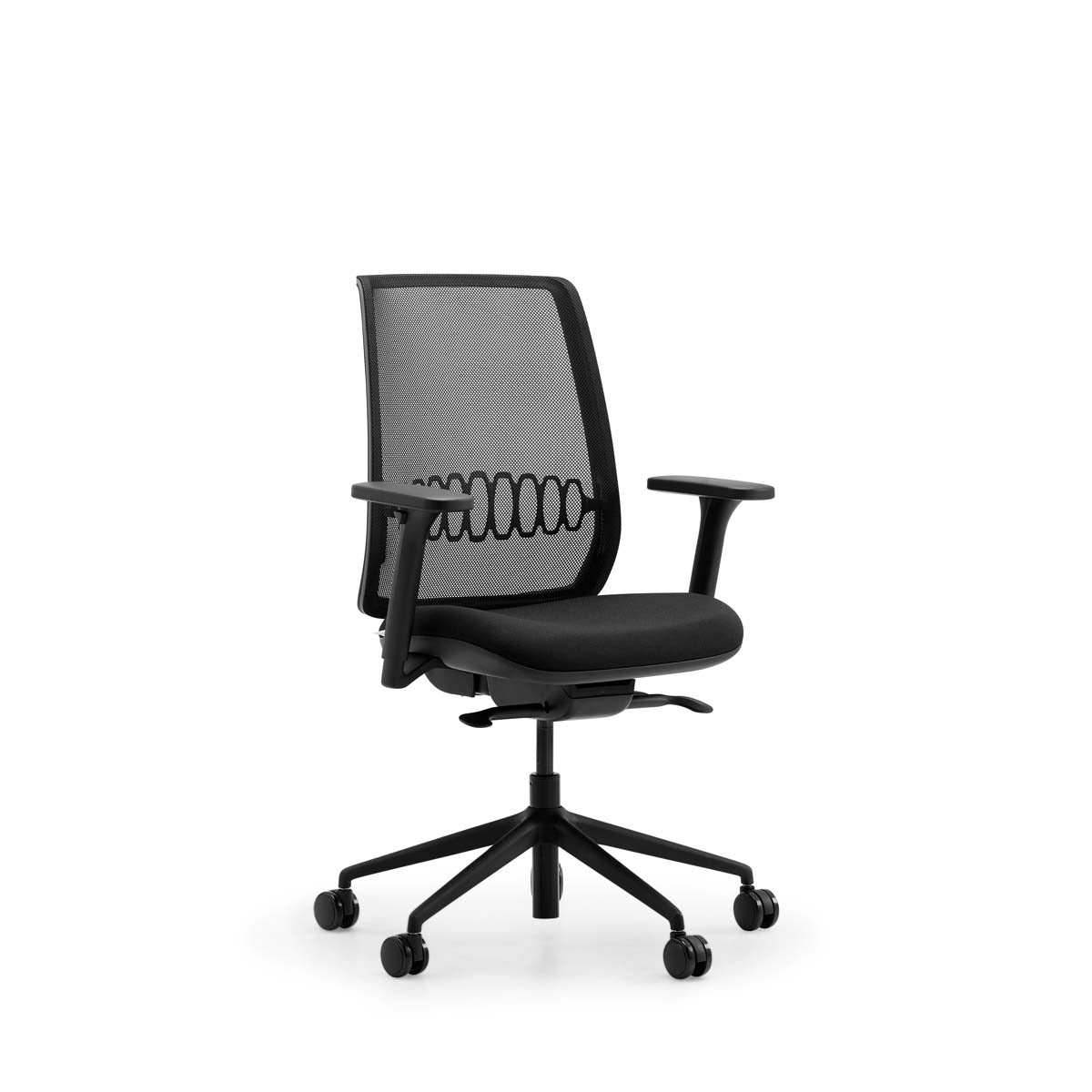
- Task chair: the Lavoro Design Zinn Ergonomic Mesh Task Chair (£315.83) offers adjustable lumbar support with 80mm of travel, a seat height range of 460-590mm and 3D armrests, with free next-working-day delivery to mainland UK.
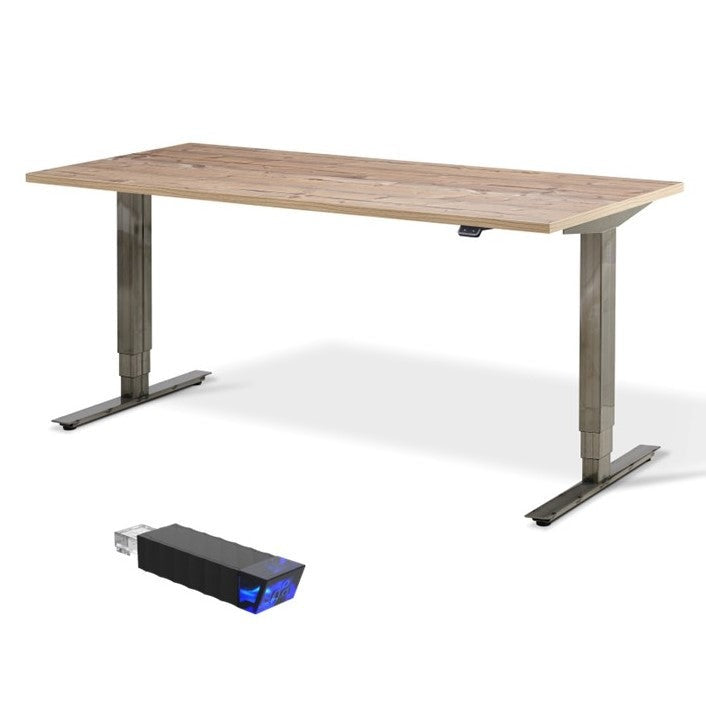
- Height-adjustable desk: a sit-stand desk lets the team change position through the day. The Stockholm Signature Standing Desk with Bluetooth Control is priced at £665.00.
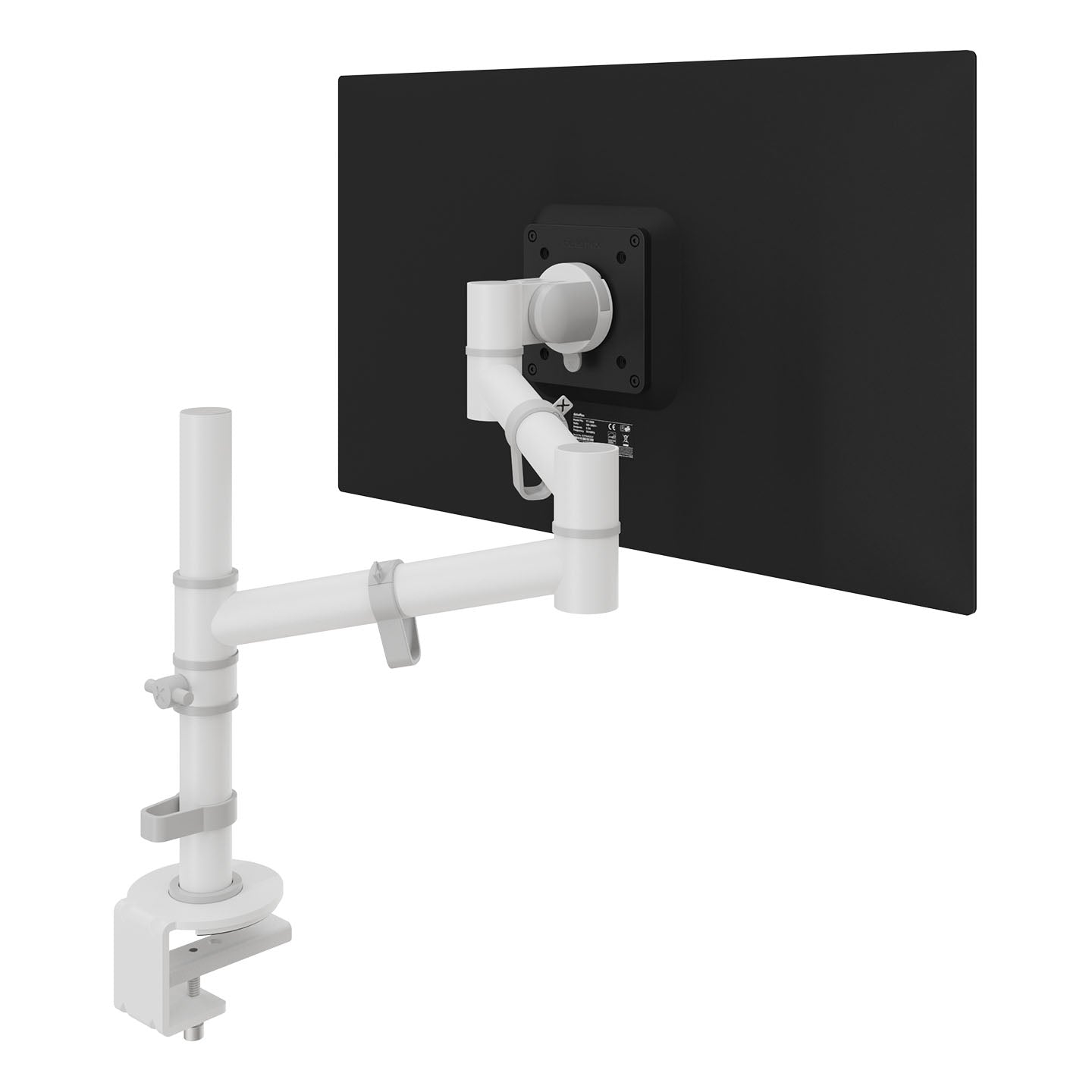
- Monitor arm: the Dataflex Viewgo Single Monitor Arm (£81.00) brings the screen to the right height and depth and frees desk space.
- Footrest and cable management: the Dataflex Addit Adjustable Footrest (£42.00) and Addit Cable Guide 82 cm (£40.00) are low-cost additions that support posture and tidy the floor.
Buy the chair and desk first, since they carry the most load. Accessories can follow once the core setup is in place.
Ergonomic Desk Setup: Measurements and Adjustments
Setting up a desk correctly takes about ten minutes and requires no special equipment. Work through the following in order: (Working safely with display screen equipment)
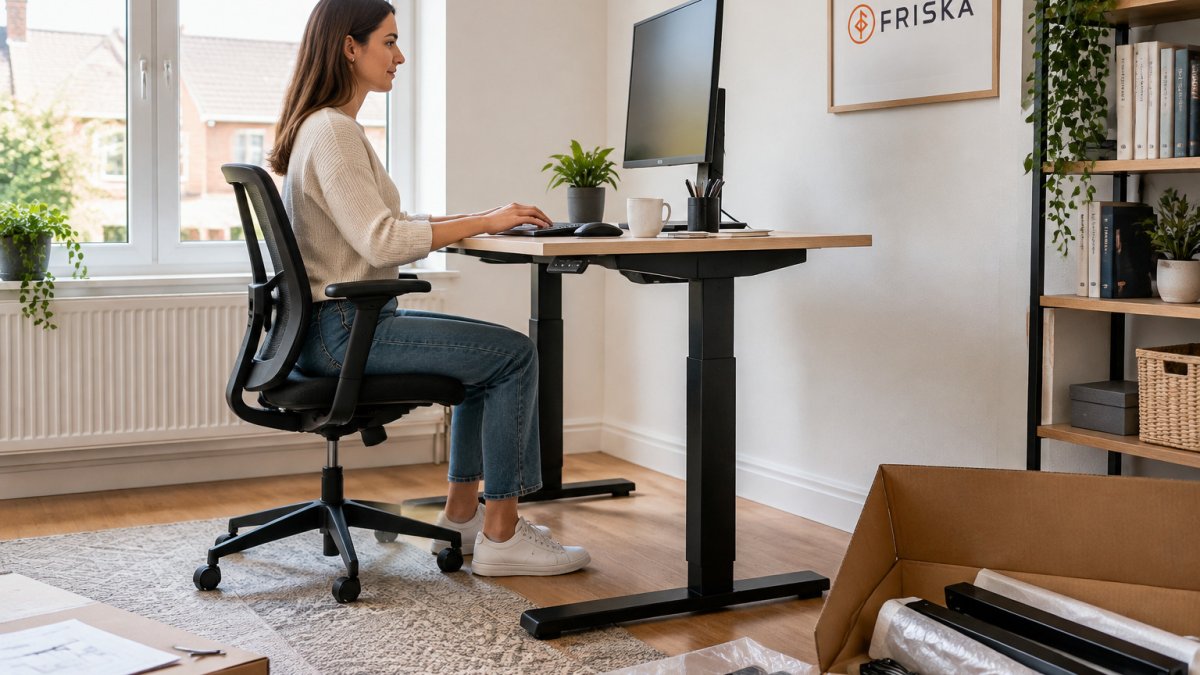
- Sit with your back against the chair and adjust seat height so your thighs are roughly parallel to the floor and your feet rest flat.
- Set the armrests so your shoulders stay relaxed and your elbows sit at roughly 90 degrees.
- Raise or lower the desk so your forearms rest level with the keyboard and wrists stay straight.
- Position the monitor so the top of the screen sits at or just below eye level, roughly an arm's length away. A monitor arm makes this adjustment far easier than a fixed stand.
- Place the keyboard and mouse close enough that you do not reach forward.
Recheck the setup after a week. Most people find they need small adjustments once they have settled into their routine.
Choosing a Standing Desk for Office Use
A standing desk suits teams who want to alternate between sitting and standing rather than stay in one position. For office use, look for a desk with a stable frame, quiet adjustment and a height range that suits the tallest and shortest people who will use it. You can view a height-adjustable desk option with Bluetooth control directly. The Stockholm Signature Standing Desk supports loads up to 120kg including the desktop and raises to 1.3 metres.
Standing desks work best when introduced gradually. Starting with short standing blocks of 20 to 30 minutes and building up over several weeks helps the body adapt.
Small Office Design Ideas for Startups
Compact spaces need furniture that does more than one job. Choose desks and storage that can be moved or reconfigured as the team changes. Keep walkways clear, position screens away from windows to reduce glare, and use task lighting at each workstation rather than relying only on a ceiling fitting. Sustainable furniture is worth considering for small spaces because durable pieces last longer and need replacing less often.
Budget Tiers, Hybrid Work and Long-Term Maintenance
Budgets vary widely, so it helps to plan in tiers. A basic tier might cover one supportive chair and a monitor arm for each person. A mid tier adds a height-adjustable desk for those who spend most of the day at their desk. A full tier includes footrests, cable management and a shared meeting area.
Hybrid teams need consistent setups at home and in the office. Where possible, give remote staff the same core items, or at least a supportive chair and monitor arm, so that posture does not suffer when people work from home. Inspect equipment once a year, check that adjustments still hold and replace worn parts early.
Booking Your Startup's First Ergonomic Fit-Out
Start by listing the number of workstations and the roles that spend the most time seated. Agree on a budget tier, then choose the chair and desk that match. Order the core items first, set up each workstation using the measurements above and review the arrangement after two weeks. FRISKA DESK offers free next working day delivery to mainland UK on its ergonomic chairs and desks. Browse the full range of ergonomic seating and standing desks to find the right starting point for your team.
Frequently Asked Questions
How do you set up an ergonomic office for a startup?
Start with the people, not the furniture. Fit each workstation with a chair that adjusts in height and seat depth, a desk at a height where the forearms rest level with the keyboard, and a monitor positioned so the top of the screen sits at or just below eye level. Add a footrest where feet do not reach the floor comfortably. Then review each setup with the person using it, because body size varies widely and a single standard fit-out rarely suits everyone. Repeat the check after the first month, when habits have formed.
What furniture does a startup office need for good ergonomics?
The essentials are an adjustable task chair with lumbar support, a desk that adjusts in height, a monitor arm or stand, and a separate keyboard and mouse where laptops are used for long periods. A footrest and cable management are useful low-cost additions. The Lavoro Design Zinn Ergonomic Mesh Task Chair (£315.83) and the Stockholm Signature Standing Desk with Bluetooth Control (£665.00) are examples of furniture built around these needs. Prioritise chairs and desks before decorative items, since they affect posture every working day.
Are standing desks worth it for a startup?
A standing desk is worth considering when staff sit for most of the day and report back, neck or shoulder discomfort. Its main value is the ability to alternate between sitting and standing, which breaks up long periods of static posture. It is not a substitute for movement, so encourage short walks and regular changes of position alongside it. Test one before committing across the whole team, and buy by workstation need rather than as a blanket upgrade.
How often should employees take breaks from sitting?
There is no single fixed rule, but the practical guidance is to change position regularly rather than sit still for hours. Encourage short movement breaks every 30 to 60 minutes, which can include standing, stretching or walking to refill a water bottle. Standing desks make it easier to shift position without leaving the workstation. Build these habits into the working day through team norms, such as standing for stand-up meetings, rather than relying on individuals to remember.
Price of core ergonomic items for a startup office
